> ## Documentation Index
> Fetch the complete documentation index at: https://docs.samsearch.co/llms.txt
> Use this file to discover all available pages before exploring further.

# Onboarding: Set up your company profile

> First-time setup flow to create your business profile and index documents

<Tip>
  This guide walks you through the first-time setup you see right after creating your account. You can always update everything later in <a href="/features/business-profile">Business Profile</a>.
</Tip>

## Overview

The onboarding flow helps you:

* Set your legal business details and preferences
* Generate or enter your company profile and NAICS codes
* Index key documents so SamSearch can assist you better

## Step 1: Set up your business information

Provide your core company details:

* Legal business name and incorporated address
* UEI and operating regions
* NAICS/industry information (optional here; you can refine later)

<Frame>
  <img src="https://usercontent.us.prod.clueso.io/d4ff8f57-95fc-49d3-a9aa-4ba10a27e9e4/75e728a9-78fd-4fcb-b443-75ef999549f0/ba05b644-d489-41fc-8297-b8f0c636eea6/images/d0d23552-f7b9-4c5e-8fc3-27fa0bebccd9.png" alt="Business info form during onboarding" />
</Frame>

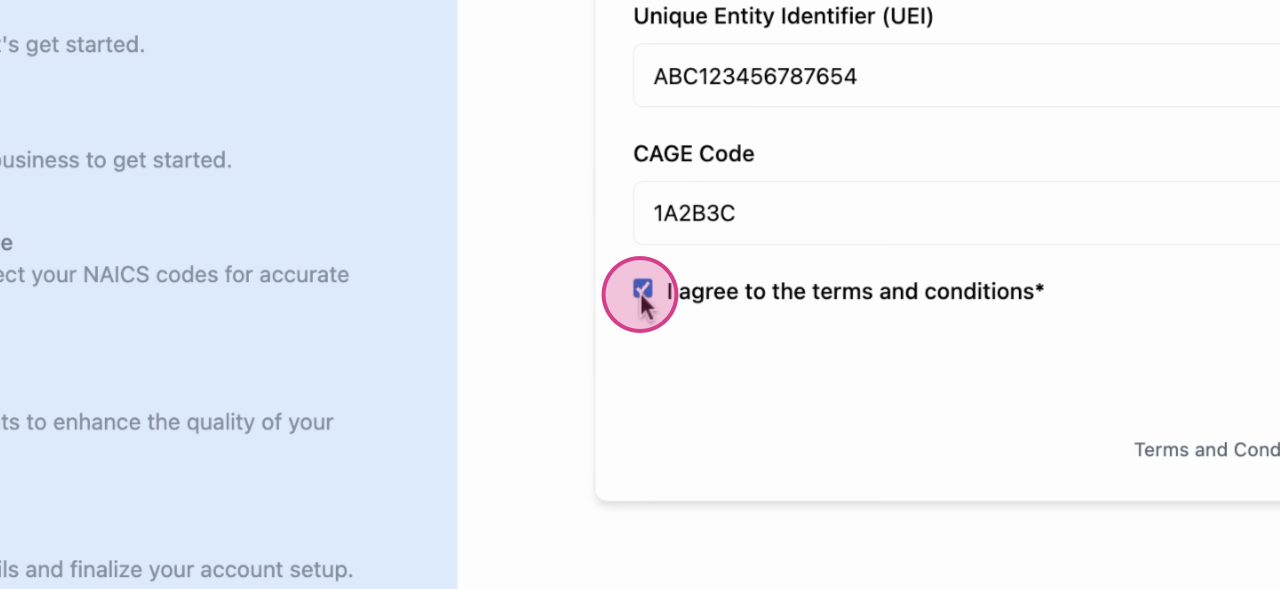
Make sure to check the Terms & Conditions box. You can open the terms or privacy policy via the links before continuing.
<Frame>
  <img src="https://usercontent.us.prod.clueso.io/d4ff8f57-95fc-49d3-a9aa-4ba10a27e9e4/75e728a9-78fd-4fcb-b443-75ef999549f0/ba05b644-d489-41fc-8297-b8f0c636eea6/images/daeb789c-abdf-476f-904c-aa163628babd.png" alt="Terms and conditions confirmation" />
</Frame>

## Step 2: Build your business profile

You have two options:

<AccordionGroup>
  <Accordion title="Option 1: Generate from your website">
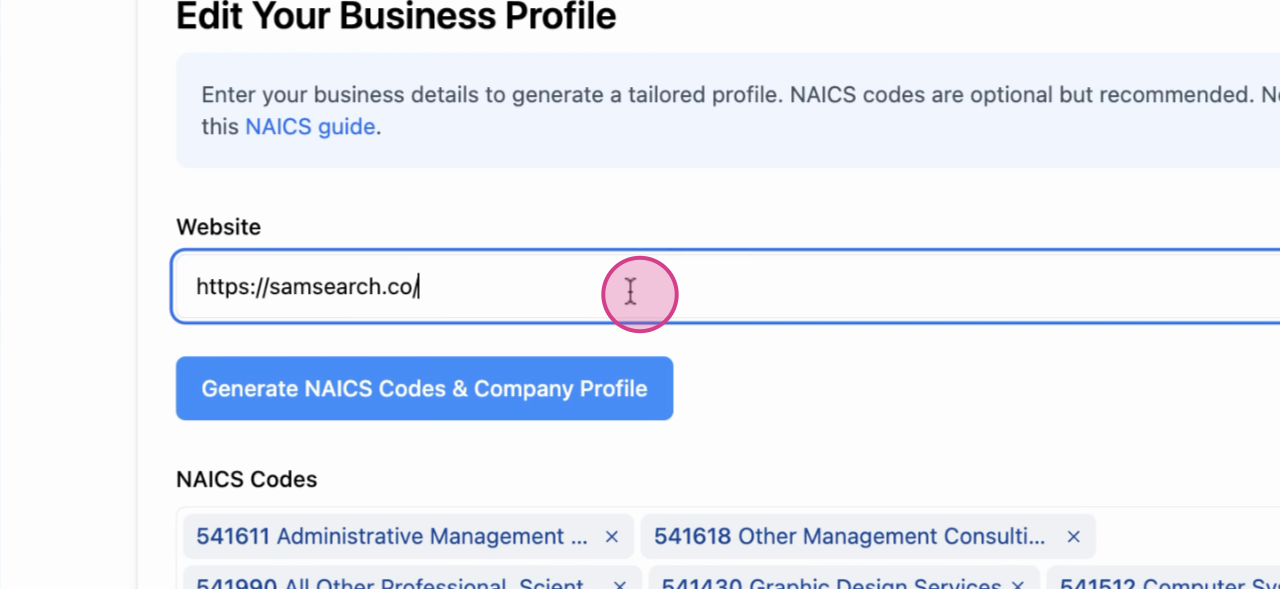
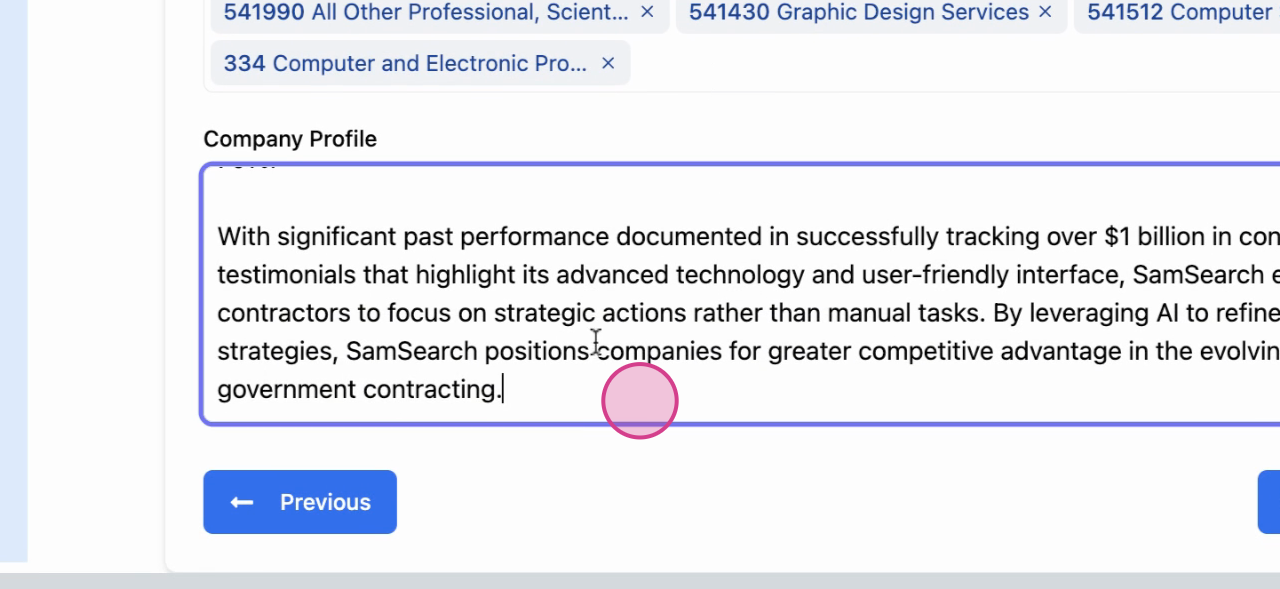
    Enter your company website and click “Generate NAICS code and company profile”. The AI will crawl your website to draft the profile and recommended NAICS codes. You can edit any field immediately.
    <Frame>
      <img src="https://usercontent.us.prod.clueso.io/d4ff8f57-95fc-49d3-a9aa-4ba10a27e9e4/75e728a9-78fd-4fcb-b443-75ef999549f0/ba05b644-d489-41fc-8297-b8f0c636eea6/images/fc537529-beed-46b2-ad16-861992c80fcf.png" alt="Website input for profile generation" />
    </Frame>

    <Frame>
      <img src="https://usercontent.us.prod.clueso.io/d4ff8f57-95fc-49d3-a9aa-4ba10a27e9e4/75e728a9-78fd-4fcb-b443-75ef999549f0/ba05b644-d489-41fc-8297-b8f0c636eea6/images/93895b08-392e-492b-8839-226be50eabeb.png" alt="Generated company profile preview" />
    </Frame>

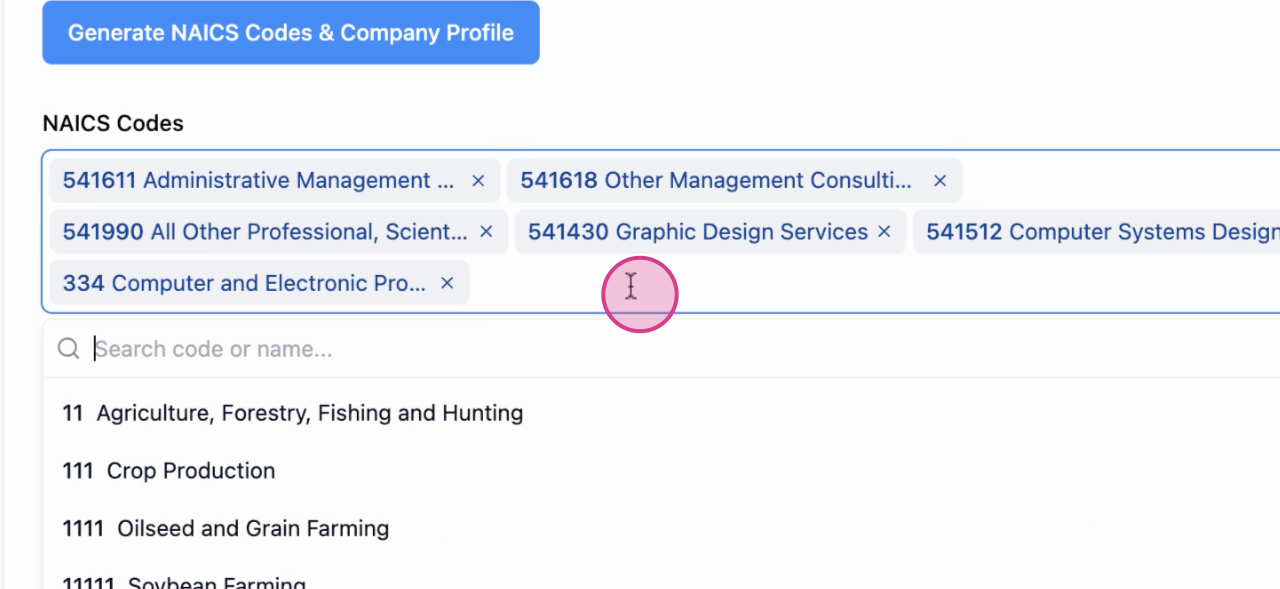
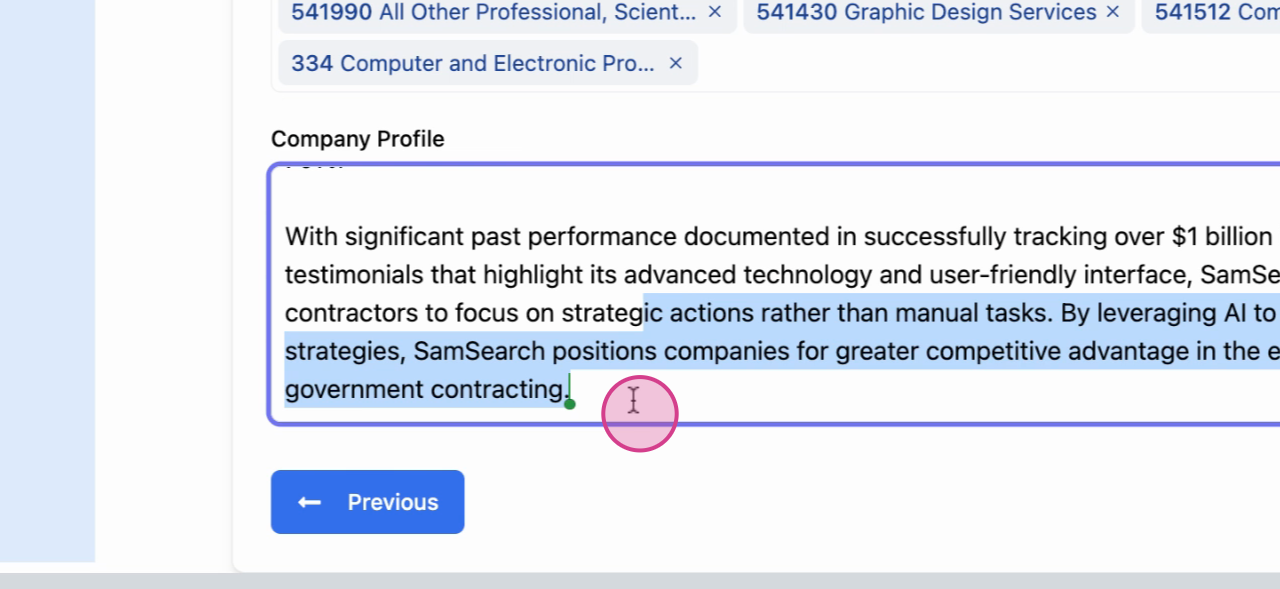
    You can freely edit the generated text and add or remove NAICS codes.
    <Frame>
      <img src="https://usercontent.us.prod.clueso.io/d4ff8f57-95fc-49d3-a9aa-4ba10a27e9e4/75e728a9-78fd-4fcb-b443-75ef999549f0/ba05b644-d489-41fc-8297-b8f0c636eea6/images/c55304d1-ea36-4db2-bb2c-af038edbb609.png" alt="Editing generated profile text" />
    </Frame>

    <Frame>
      <img src="https://usercontent.us.prod.clueso.io/d4ff8f57-95fc-49d3-a9aa-4ba10a27e9e4/75e728a9-78fd-4fcb-b443-75ef999549f0/ba05b644-d489-41fc-8297-b8f0c636eea6/images/d3c73918-f2cb-4850-9e9d-b79bde22adc9.png" alt="Selecting additional NAICS codes" />
    </Frame>
  </Accordion>

  <Accordion title="Option 2: Enter details manually">
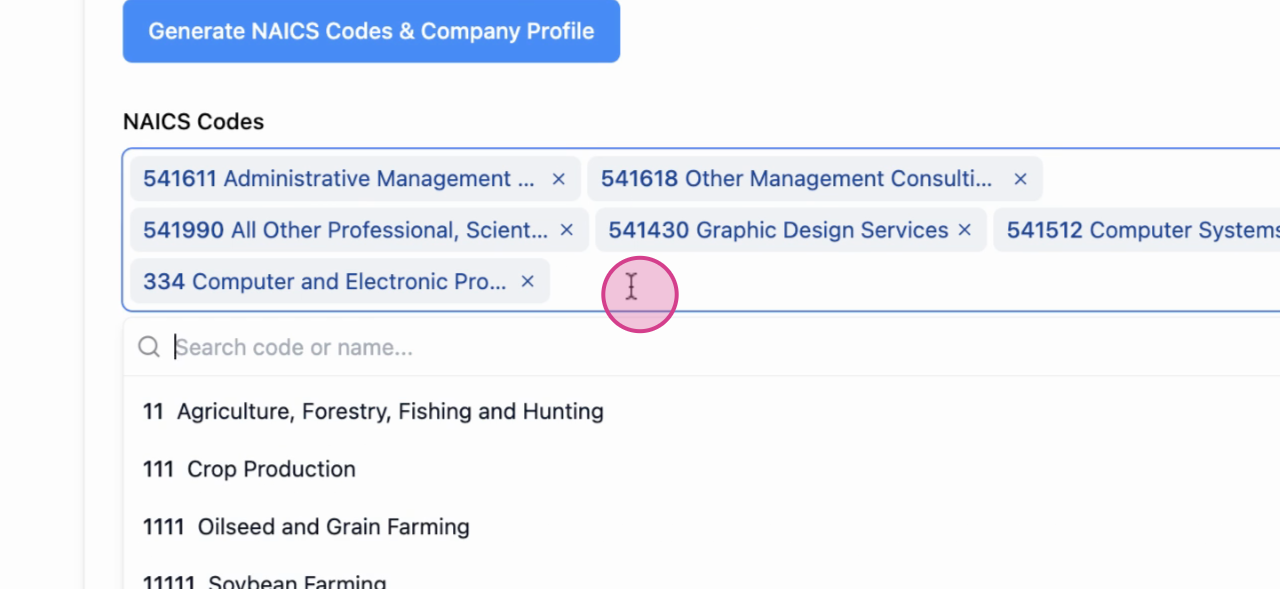
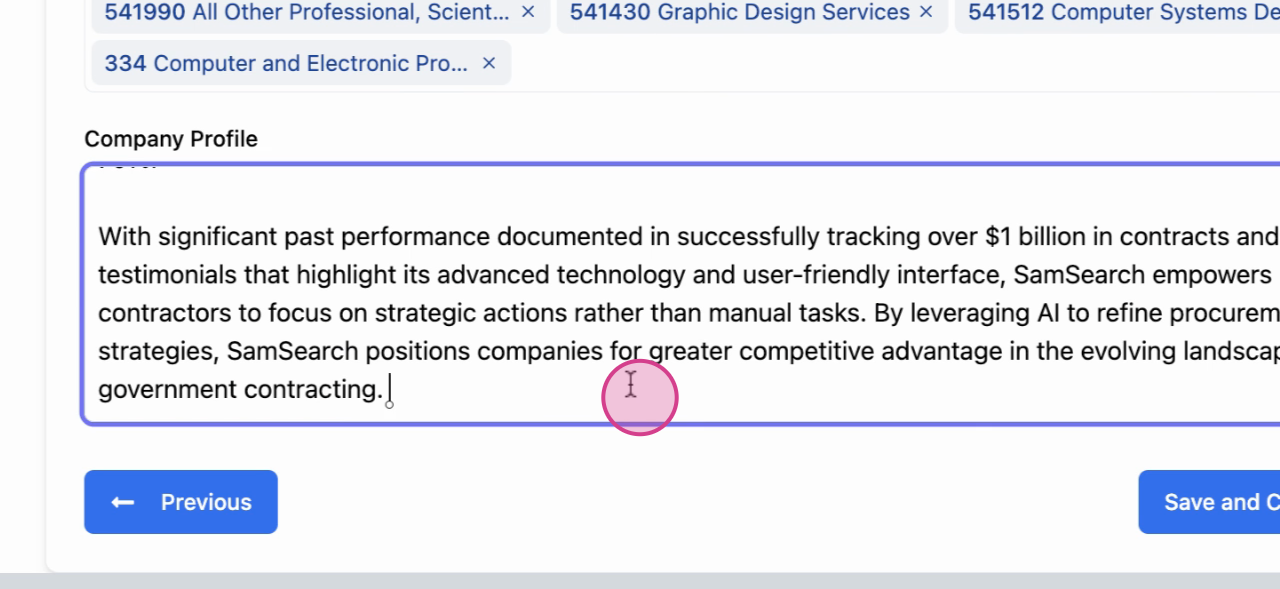
    If you don’t have a website or prefer manual control, type your NAICS codes and write your “About Us” in the Company Profile box.
    <Frame>
      <img src="https://usercontent.us.prod.clueso.io/d4ff8f57-95fc-49d3-a9aa-4ba10a27e9e4/75e728a9-78fd-4fcb-b443-75ef999549f0/ba05b644-d489-41fc-8297-b8f0c636eea6/images/0d9e889e-3d64-49bc-91a6-652dc1248d5d.png" alt="Manual NAICS entry" />
    </Frame>

    <Frame>
      <img src="https://usercontent.us.prod.clueso.io/d4ff8f57-95fc-49d3-a9aa-4ba10a27e9e4/75e728a9-78fd-4fcb-b443-75ef999549f0/ba05b644-d489-41fc-8297-b8f0c636eea6/images/85b5920c-5838-4760-85cc-86e42eee0e9e.png" alt="Company profile About Us entry" />
    </Frame>
  </Accordion>
</AccordionGroup>

## Step 3: Index your documents

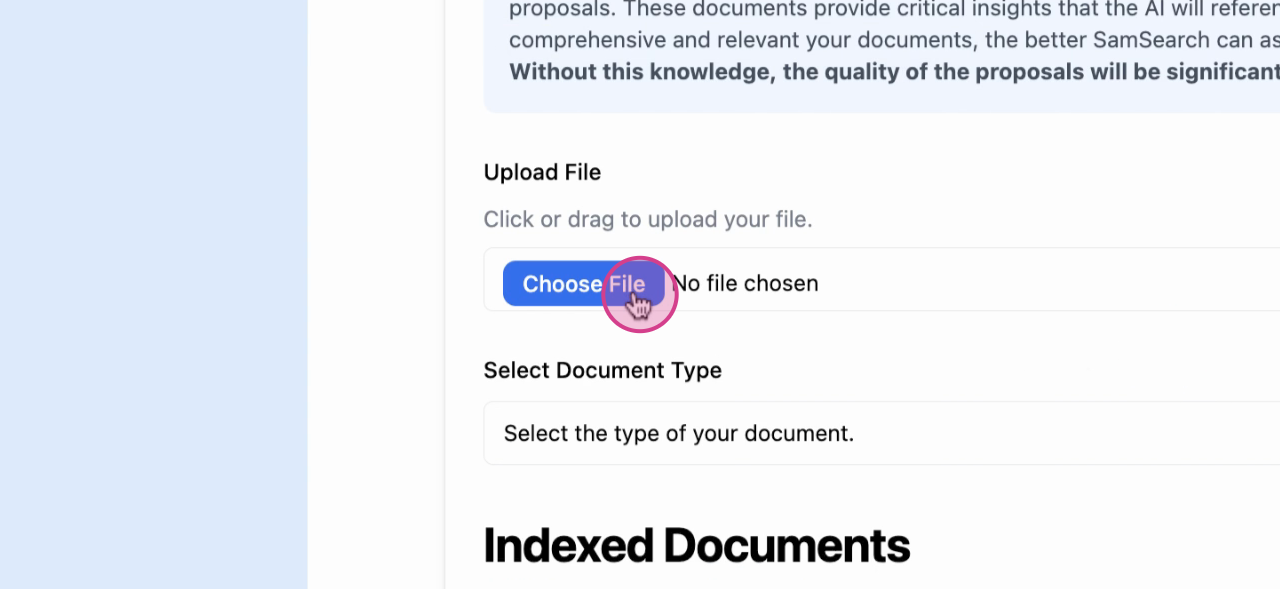
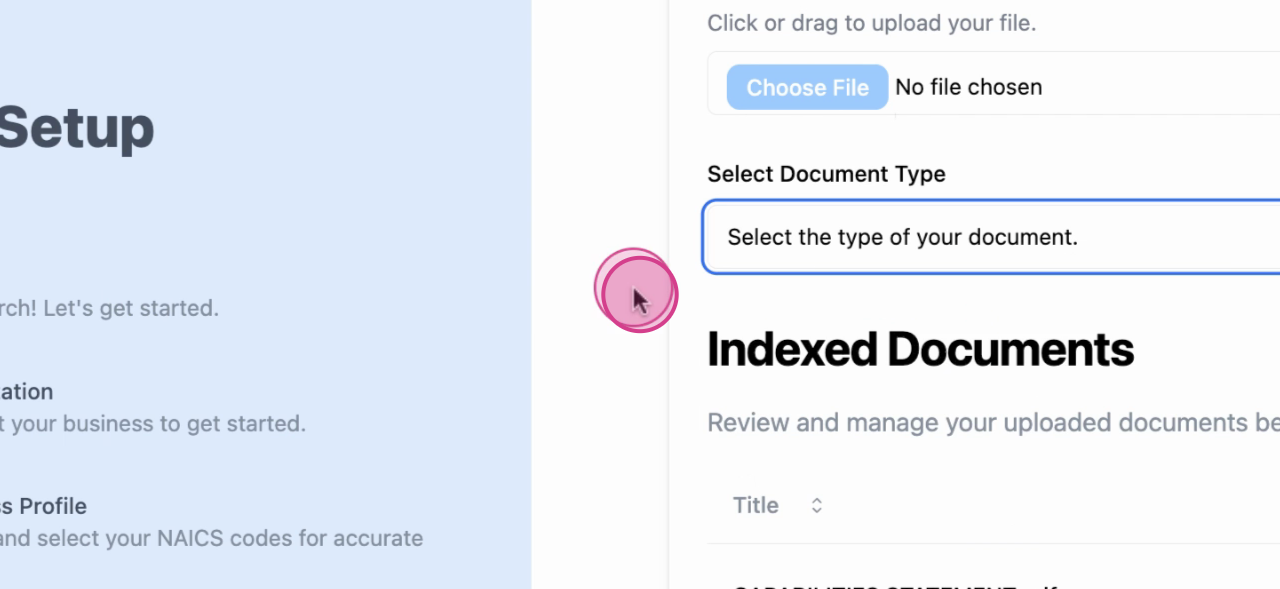
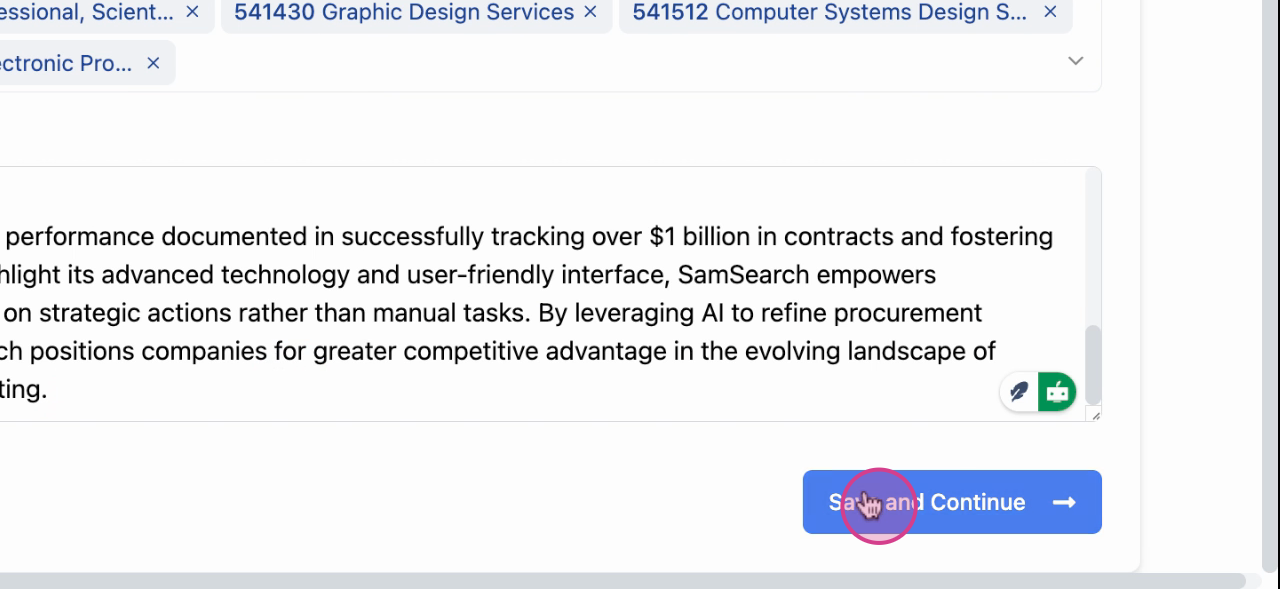
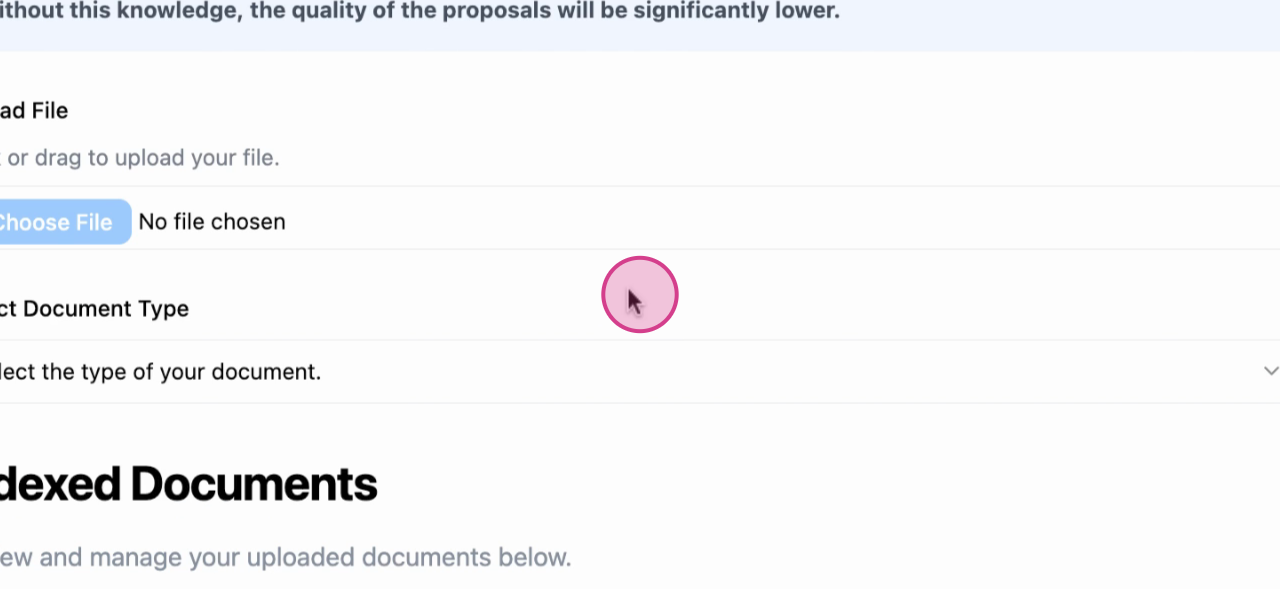
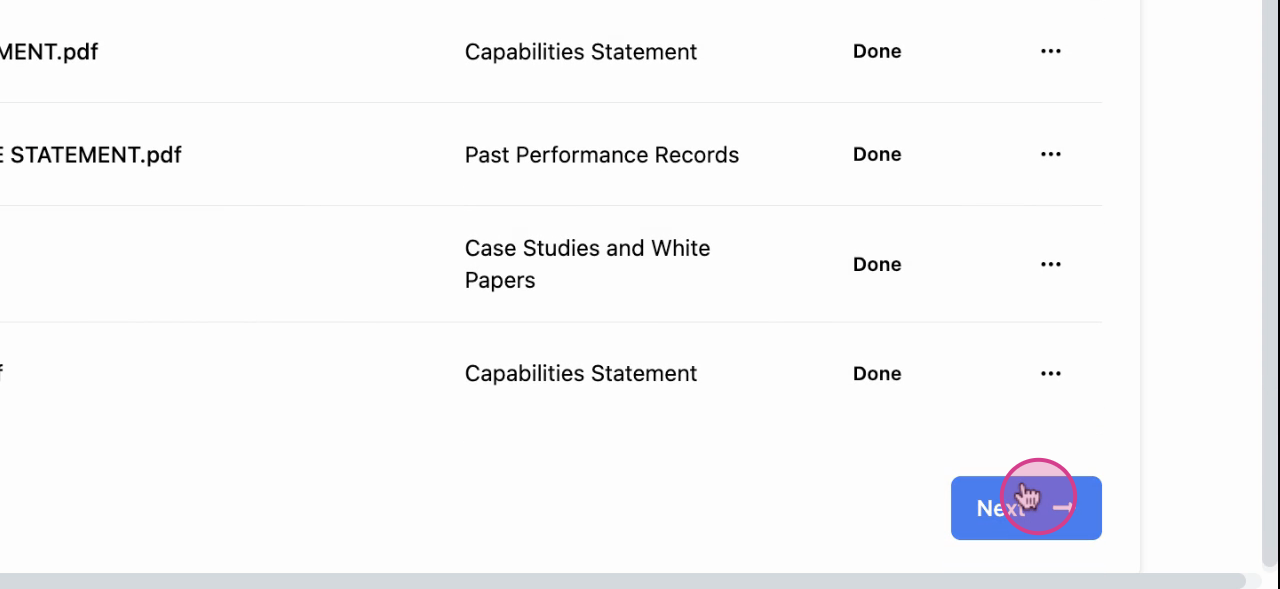
Upload documents that help describe your capabilities and past performance (capability statements, certifications, past performance, case studies, white papers, etc.).
<Frame>
  <img src="https://usercontent.us.prod.clueso.io/d4ff8f57-95fc-49d3-a9aa-4ba10a27e9e4/75e728a9-78fd-4fcb-b443-75ef999549f0/ba05b644-d489-41fc-8297-b8f0c636eea6/images/aeb4b5d8-8146-48a4-a028-9c24d37ca5a5.png" alt="Document upload step" />
</Frame>

<Frame>
  <img src="https://usercontent.us.prod.clueso.io/d4ff8f57-95fc-49d3-a9aa-4ba10a27e9e4/75e728a9-78fd-4fcb-b443-75ef999549f0/ba05b644-d489-41fc-8297-b8f0c636eea6/images/5a2a9b34-67e9-4206-9d01-a5b2bb233cb2.png" alt="Selecting files to index" />
</Frame>

<Frame>
  <img src="https://usercontent.us.prod.clueso.io/d4ff8f57-95fc-49d3-a9aa-4ba10a27e9e4/75e728a9-78fd-4fcb-b443-75ef999549f0/ba05b644-d489-41fc-8297-b8f0c636eea6/images/be3171da-a114-4472-9fb2-7c6bde0d3f2b.png" alt="Upload progress" />
</Frame>

<Frame>
  <img src="https://usercontent.us.prod.clueso.io/d4ff8f57-95fc-49d3-a9aa-4ba10a27e9e4/75e728a9-78fd-4fcb-b443-75ef999549f0/ba05b644-d489-41fc-8297-b8f0c636eea6/images/a2c3db33-5a54-4d12-b77b-a5806136119a.png" alt="Indexed documents view" />
</Frame>

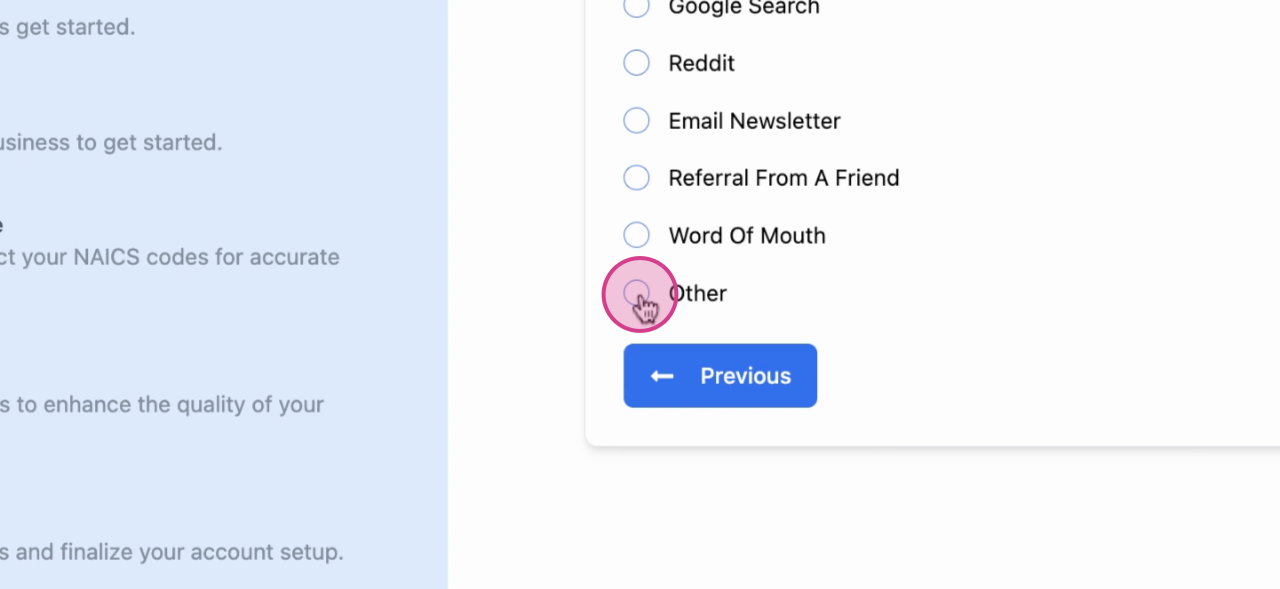
Answer “How did you hear about SamSearch?” to complete onboarding.
<Frame>
  <img src="https://usercontent.us.prod.clueso.io/d4ff8f57-95fc-49d3-a9aa-4ba10a27e9e4/75e728a9-78fd-4fcb-b443-75ef999549f0/ba05b644-d489-41fc-8297-b8f0c636eea6/images/4cab482c-fdb9-44a1-a7f2-05f86af5fdc9.png" alt="How did you hear about us question" />
</Frame>

<Frame>
  <img src="https://usercontent.us.prod.clueso.io/d4ff8f57-95fc-49d3-a9aa-4ba10a27e9e4/75e728a9-78fd-4fcb-b443-75ef999549f0/ba05b644-d489-41fc-8297-b8f0c636eea6/images/9b12c39d-36eb-4bcd-b3e6-80ea94deb420.png" alt="Onboarding completion" />
</Frame>

## What happens next

* Edit and refine any details anytime in <a href="/features/business-profile">Business Profile</a>
* Replay the guided tour from <a href="/features/settings#onboarding-tutorial">Settings → Onboarding Tutorial</a>

<Check>
  Onboarding complete. You’re ready to search, save opportunities, and collaborate.
</Check>